
Add Prana Calendar to Android
1) Open app.chakrainstitute.com in Chrome
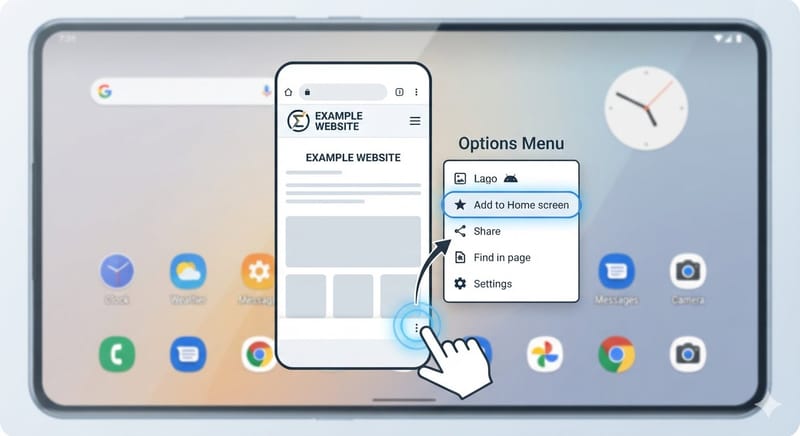
2) Tap the three dots in the top right corner
3) Tap "Add to Home Screen"
4) Tap "Add"
5) The Prana Calendar icon will appear on your home screen
1) Open app.chakrainstitute.com in Chrome
2) Tap the three dots in the top right corner
3) Tap "Add to Home Screen"
4) Tap "Add"
5) The Prana Calendar icon will appear on your home screen